Check every visit
We analyze browser technical signals, traffic source and the behavior of every visit.
Protect your website, data and analytics without slowing down real visitors.
We analyze every visit, block automated threats and let real users through.
We analyze browser technical signals, traffic source and the behavior of every visit.
Bots are stopped before they reach your website or forms.
Keep your traffic focused on real people and stop automated spam submissions.
Every visit is checked: real users are allowed through while bots are blocked before the page loads.
What is a browser fingerprint? A set of technical signals that helps identify the software behind a visit. It remains useful even when a bot changes its IP address or User-Agent.
We filter automated traffic before the page loads and protect forms, data and analytics without CAPTCHAs for real users.
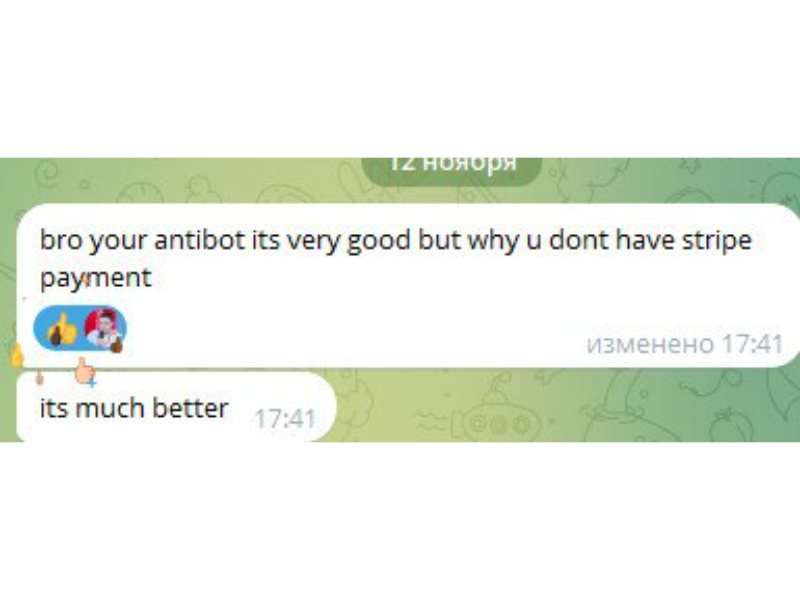
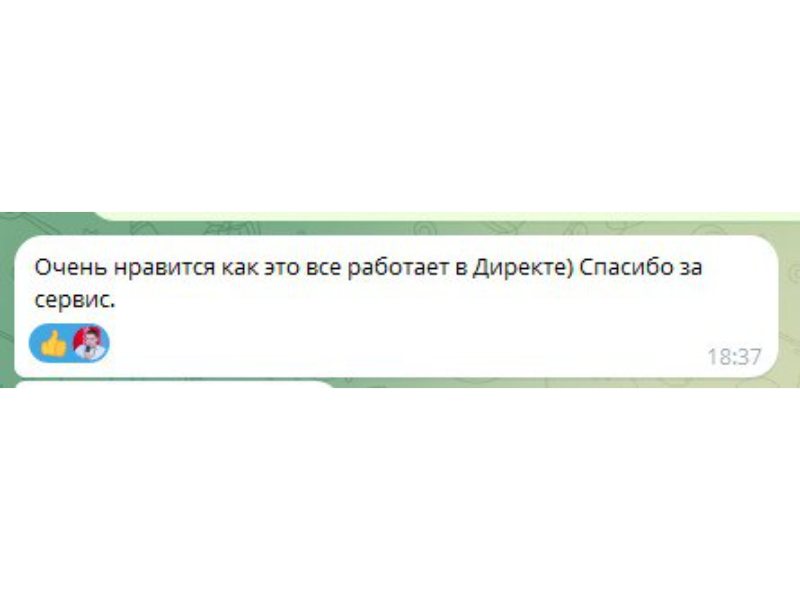
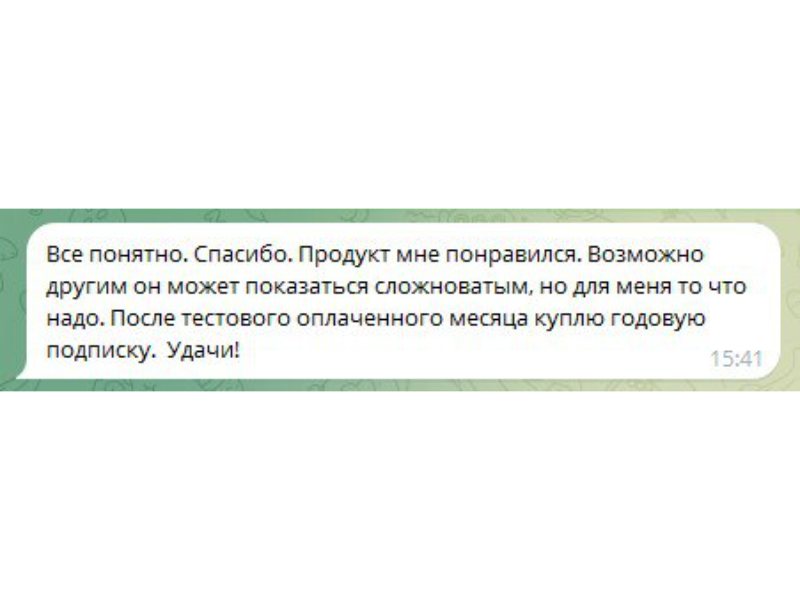
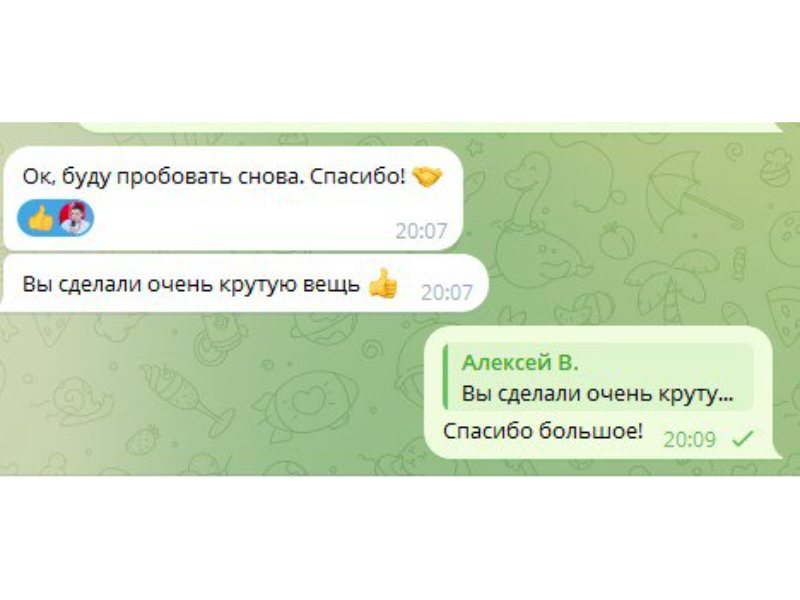
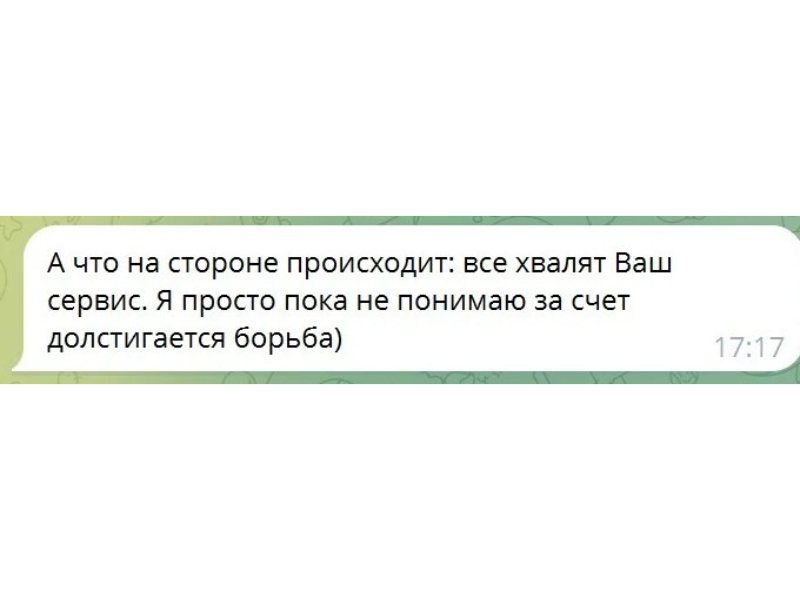
Real examples show how Killbot preserves budget, improves traffic quality and protects leads.
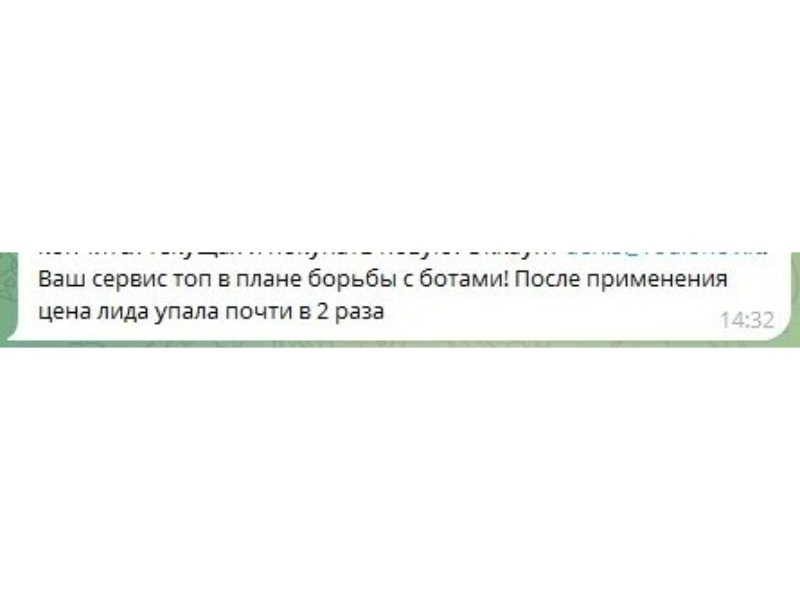
After bot filtering, the client reported that the cost of a qualified enquiry nearly halved.
“After setup, the cost per lead fell almost twofold.”
 Open the original review
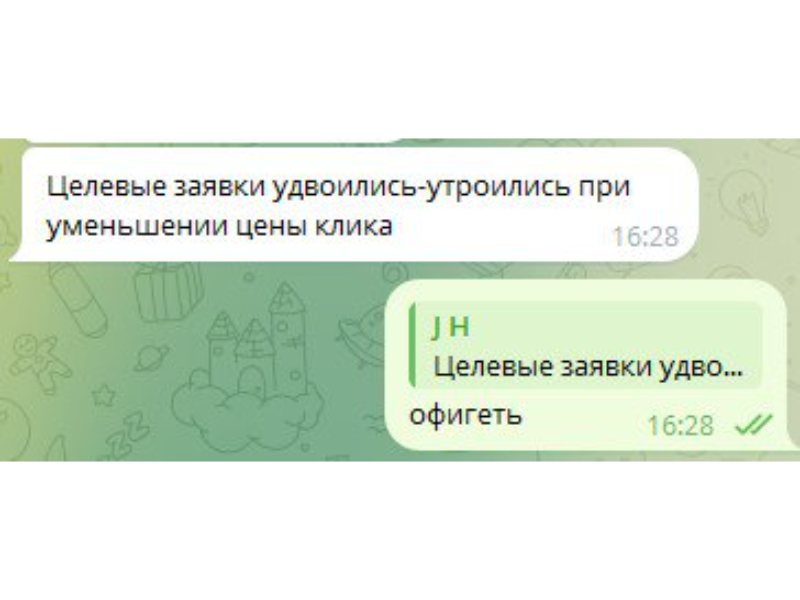
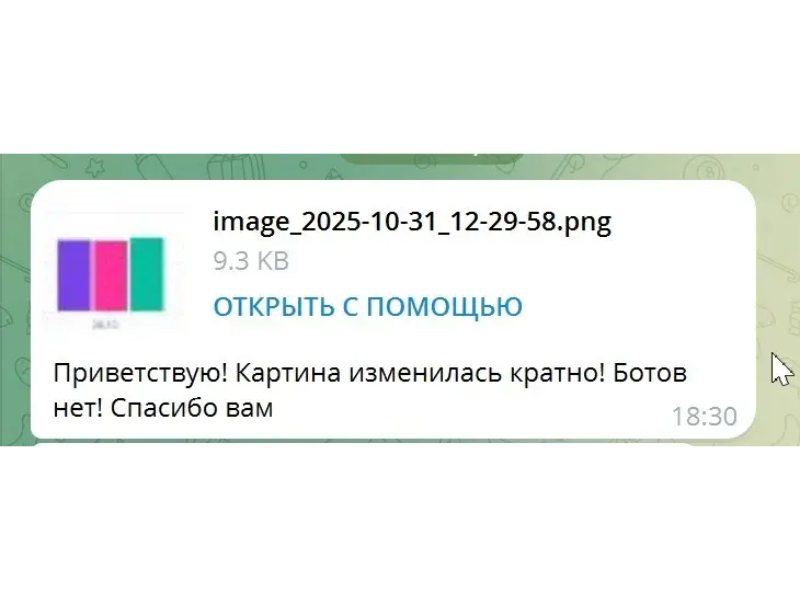
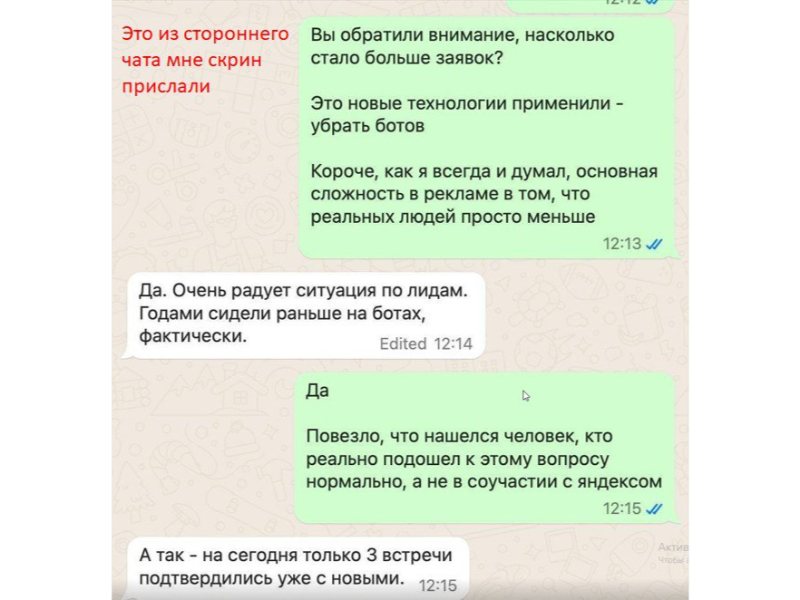
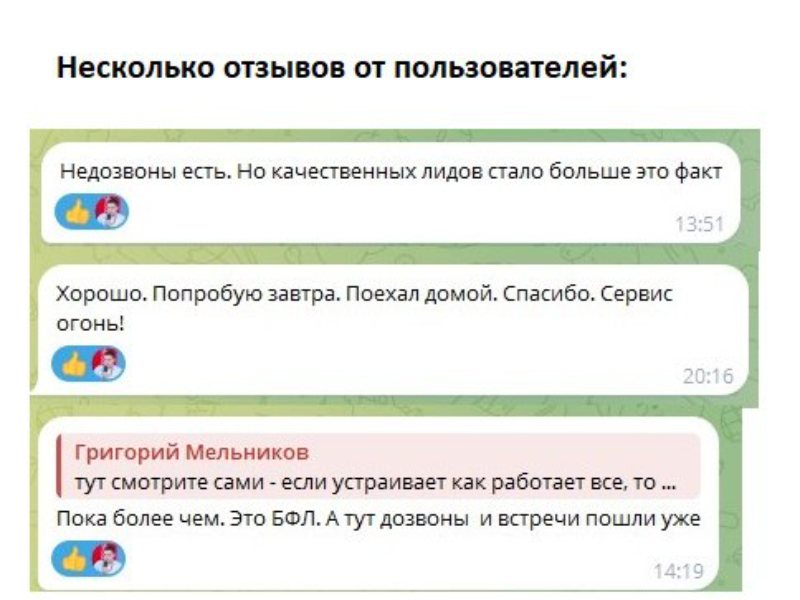
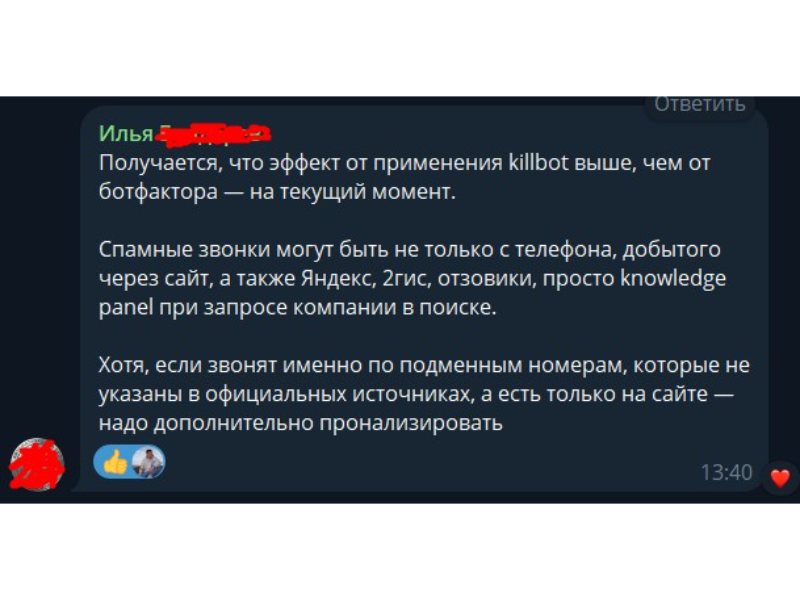
After cleaning bot traffic from ads, the client received more enquiries from real buyers.
“Qualified leads doubled or tripled while click cost decreased.”Open 4 supporting screenshots
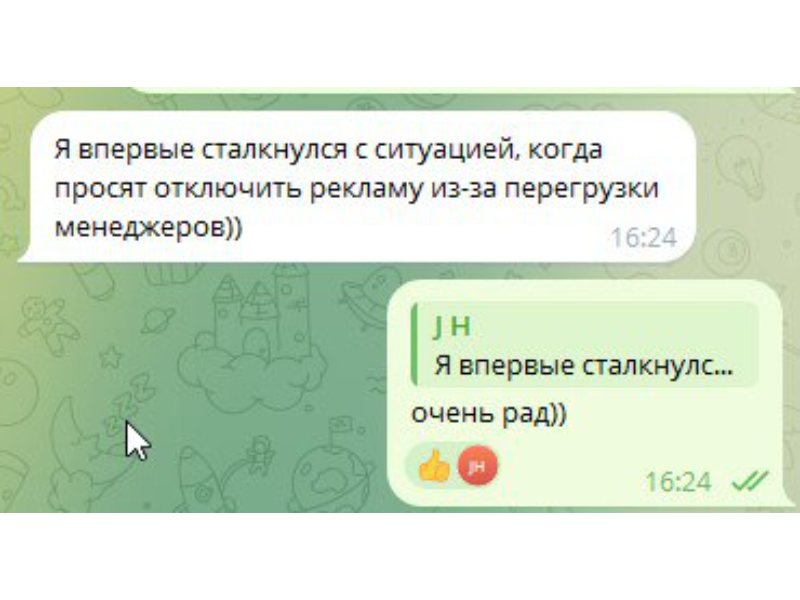
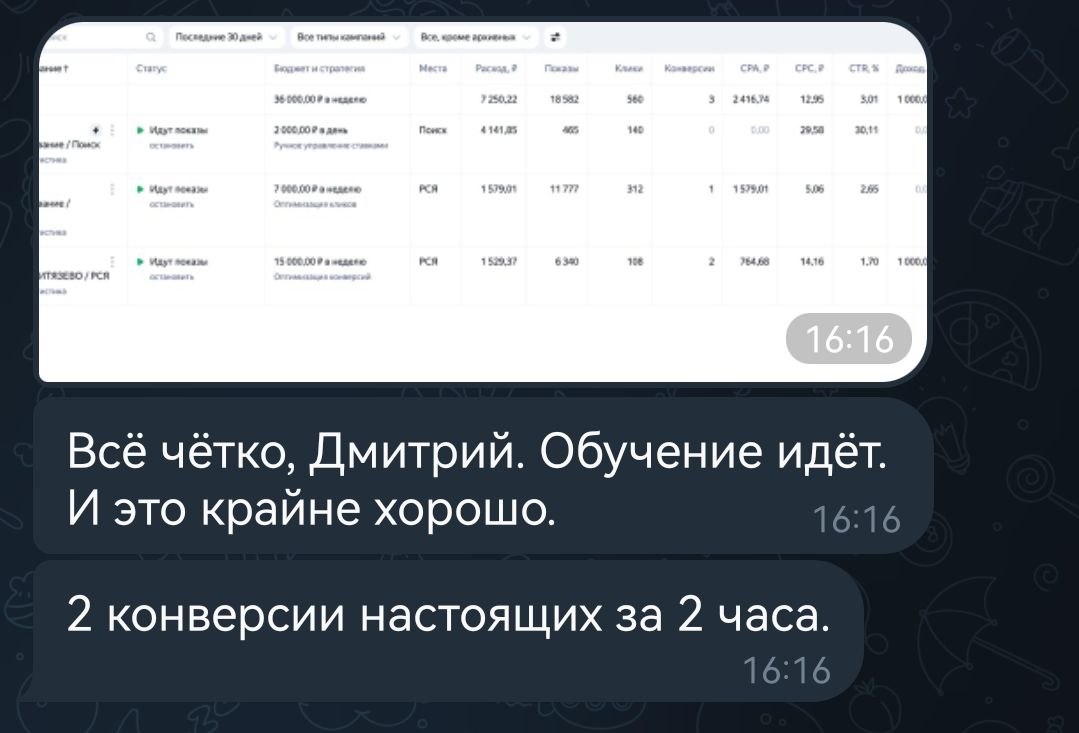
After protection was configured and campaign learning began, the client recorded two genuine conversions within the first two hours.
“Everything is working: two real conversions in two hours!”
 Open the original review
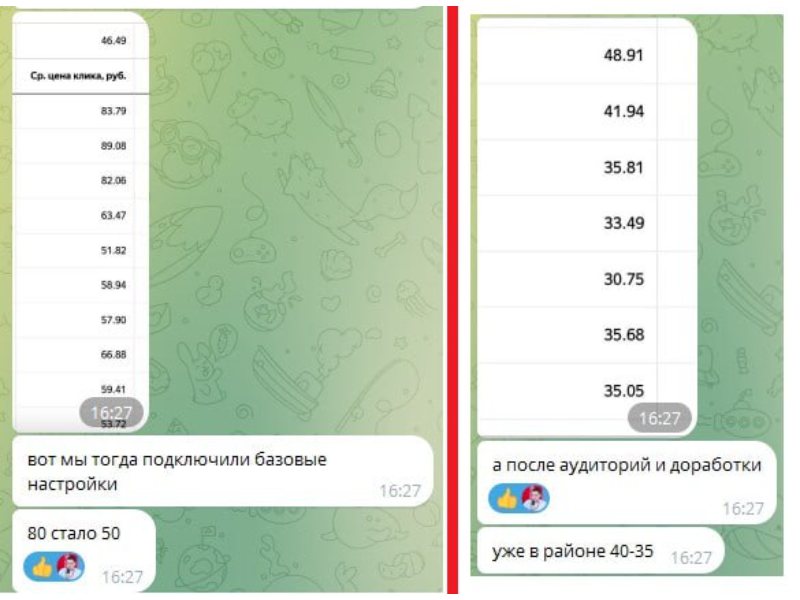
The basic setup reduced click cost, and audience refinement improved the result further.
“After audience refinement, it is already around 35–40.”Open 2 supporting screenshots
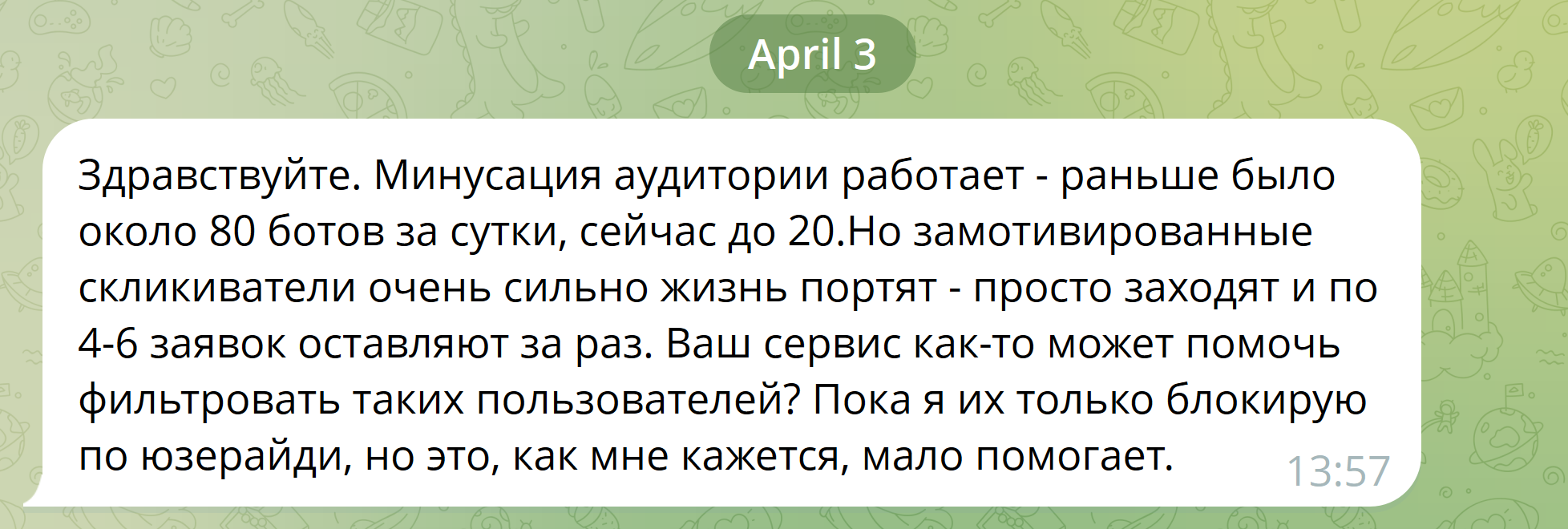
After connecting the exclusion audience, bot traffic fell from about 80 to 20 visits per day while the advertising budget started spending more slowly.
“The exclusion audience works — it used to be about 80 bots a day, now it is up to 20.”Open 3 supporting screenshots
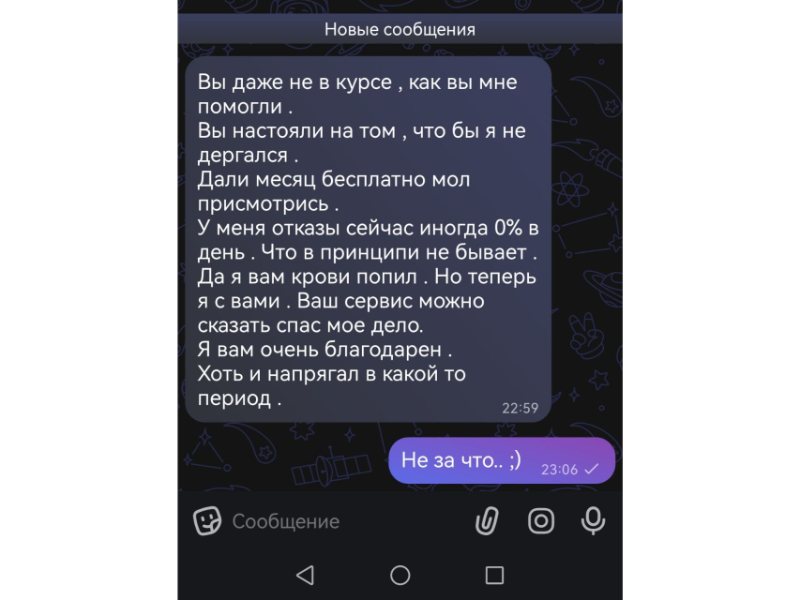
The client started with a free month, saw the result and stayed with the service.
“Your service practically saved my business.”
 Open the original review
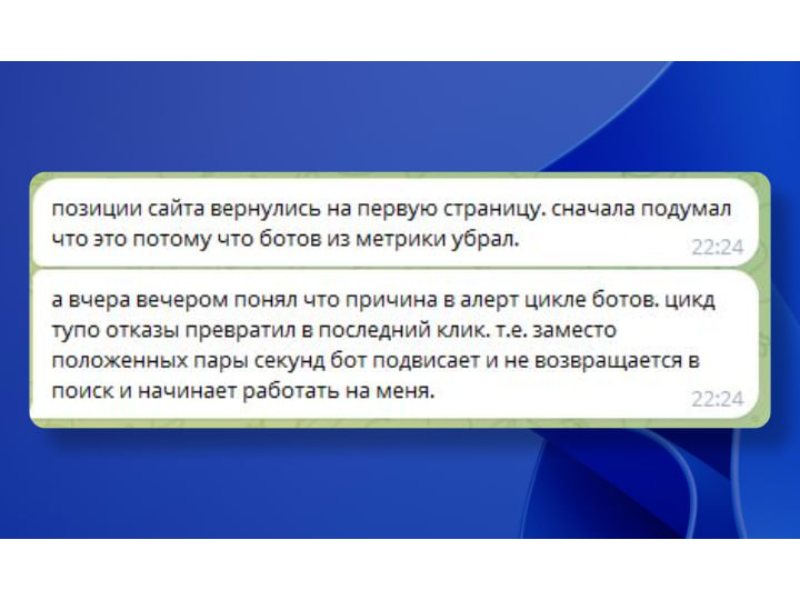
The client linked the result to bot cycling that changed short bounces and the site's behavioural signals.
“The site returned to the first page.”Open 2 supporting screenshots
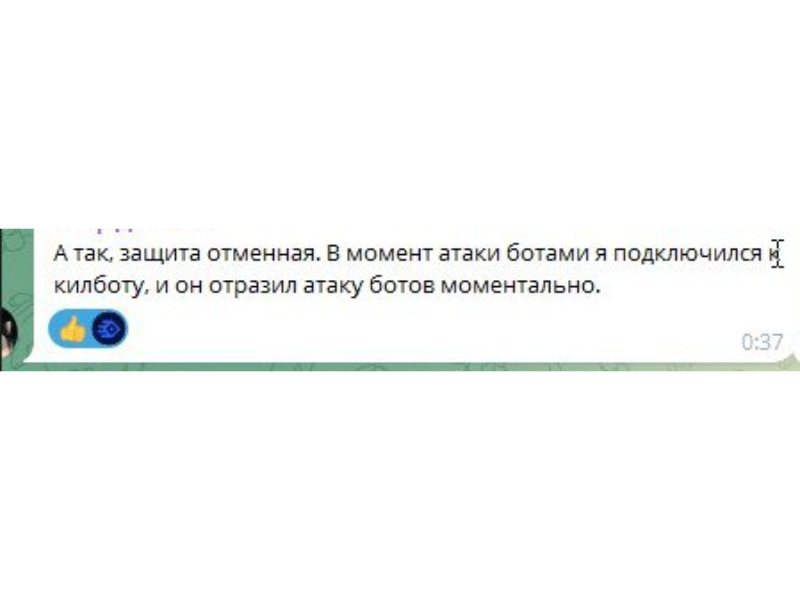
The client connected Killbot during an attack and confirmed that the service stopped it immediately.
“It stopped the bot attack instantly.”
 Open the original review
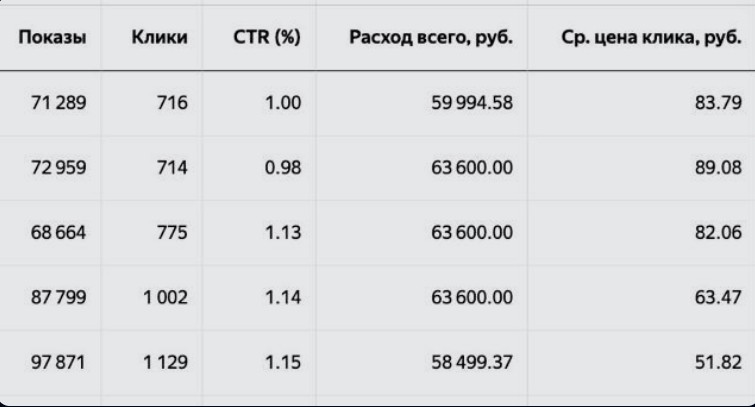
With spend remaining around ₽60,000, clicks increased from 716 to 1,129 while the average click cost fell significantly.
Average click cost: ₽83.79 → ₽51.82.
 Open the source data
The fraud volume kept growing despite constant platform blocking. The team quickly integrated Killbot and stopped the advertising budget drain.
“Without Killbot, the relentless fraud attack and budget drain would have broken us… You effectively saved us.”
 Open the original review
The client tested the protection independently: an automated scraper could not retrieve the site's metadata.
“I tried to scrape the metadata but could not retrieve it.”
 Open the original review
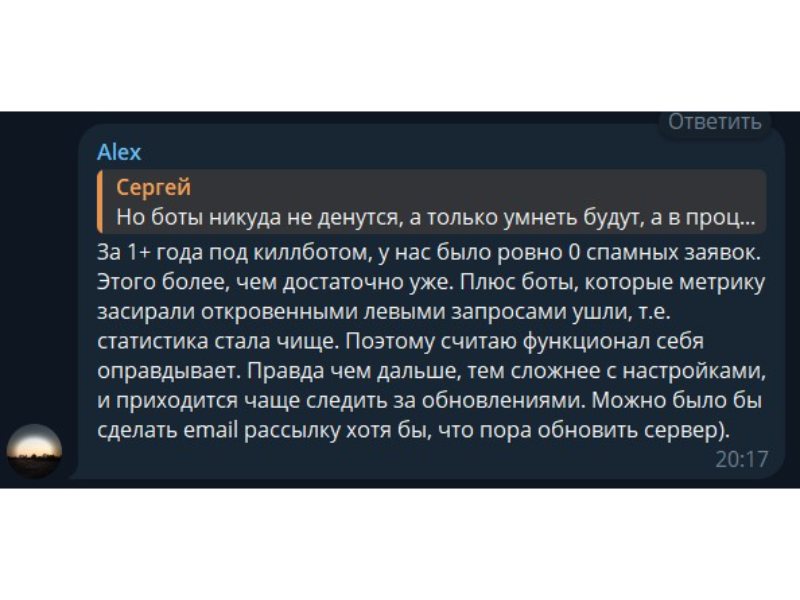
For more than a year, the client has received no spam leads, while analytics are no longer polluted by fake queries.
“In more than a year with Killbot, we have had exactly 0 spam leads.”Open 2 supporting screenshots
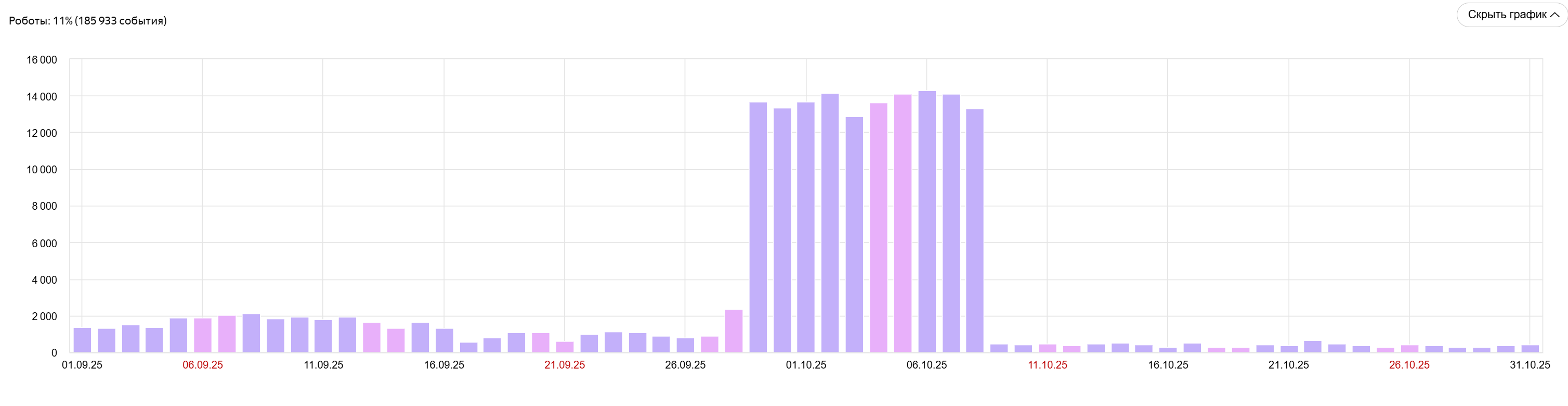
After Killbot was connected, automated traffic returned to a normal level, page load time stabilised and the bounce rate for direct visits decreased noticeably.
The charts show bot-activity peaks falling from 13–14 thousand to a few hundred events per day.Open 3 supporting screenshots
A focused team covering product development, growth and technical support.

“Killbot detects behavioral bots with high accuracy, barely ever showing a CAPTCHA to people. We make sure bots don’t even load your site.”

“Available 24/7, we resolve any issue in minutes. Your peace of mind is my responsibility.”

“I expand Killbot Group’s horizons: new markets, integrations and product solutions.”
Start free, protect one website, or cover an unlimited number of projects. Annual plans save about 30%.
See visit fingerprints and whether Killbot classifies each visit as a person or a bot.
Full bot detection and traffic controls for one website.
About $7/month
Website protection for teams managing multiple projects, with no limit on the number of websites.
About $29.17/month
Prices and plan details follow the international Killbot subscription page.
We handle the technical work from the initial audit to launch and result verification.
We show the share of bots, spam and irrelevant traffic already affecting your website.
We configure JavaScript or DNS integration for your website.
Website protection is free for the first 7 days. You evaluate the result before paying.
We work with popular CMS platforms and analytics tools.
Answers about website protection and the Killbot service.
No. In JS mode “Website protection” takes 15 minutes via a script snippet. For DNS integration we help set it up remotely — no third party needed, you just need access to your site’s control panel.
Yes. Start with the Free plan, review your traffic, and upgrade when you need automated protection.
No. In JS mode the script is async and doesn’t block rendering. In DNS mode the check takes under 1–2 seconds — unnoticeable. After bots are blocked, server load drops and the site may even run faster.
Killbot analyses technical browser and traffic signals used to classify visits. Review the Data Security and Privacy pages for details about processing and storage.
The error rate is under 0.2%. When in doubt, the system would rather let a visitor through than block them. In your dashboard you see the list of blocked IPs / User-IDs and can unblock anyone in one click.
All types: from primitive scrapers and spammers to advanced behavioral bots that mimic mouse movement, scrolling and even solve CAPTCHAs. Our AI-based browser fingerprinting tells humans from machines with 99.8% accuracy.
L7 DDoS (HTTP, Slowloris, botnets) is blocked at the DNS-integration layer. All requests first hit Killbot’s high-performance verification screen, which filters suspicious HTTP packets and keeps the load off your server.
Major search crawlers, including Google and Baidu, are allowed. Removing automated noise also gives you cleaner engagement data.
Yes. In the dashboard you add your IPs or User-Agents to an allowlist. You can create custom rules: don’t block API requests, don’t show CAPTCHA to logged-in users, and so on.
No. After setup, Killbot updates protection automatically in the background.
Before onboarding we run a free audit: you’ll see how many bots and spam visits already affect your website.
Thank you for your request! We’ll get back to you within 15 minutes during business hours.